
Little Time, Little Effort Available
The holidays are magical, yes, but let's be real: they are also exhausting. Between the holiday parties, the gifting lists, and trying to keep the house in order, the last thing you have time for is spending hours on the internet scrolling through recipe blogs.
You know the drill before your next holiday event: You need an appetizer, a killer cocktail, and maybe a side dish with no nuts - time to get to work and find "the one". That search alone sends you down a rabbit hole—ten different sites, ten different "Top 20" lists, and a growing frustration headache as you try to piece together your list. It's a huge effort just to get started! We’re all trying to be organized, but the current method of menu planning is fighting against us.
The Secret Time-Saver
What if I told you that the tool you use for quick answers and brainstorming is also the key to instantly generating your perfectly curated holiday menu?
Most of us think of Generative AI (like Gemini, ChatGPT, etc.) for big picture stuff—planning a road trip or writing a tricky email. But a brilliant, under considered use is as your personal kitchen assistant. It’s time to stop doing the "recipe homework" yourself.
This guide is going to show you, step-by-step, how to use GenAI to take all the stress and scrolling out of menu planning. We'll turn your vague ideas into a complete, easy-to-shop list in minutes, letting you skip the effort and move straight to the fun parts: grocery shopping (or, let's be honest, delegating the grocery shopping!) and prepping.

The 2-Step Guide to Holiday Menu Selection
This two-step process takes you from a vague idea to a curated list and a complete shopping itinerary in mere minutes. It’s all about teaching GenAI exactly what you need, so it can do the heavy lifting for you!
Step 1: The Magic Prompt for Instant Curation
Instead of typing "best holiday appetizers" into Google, we're going to give the genAI tool the full context of your situation. The more details you provide, the better the result—think of it as having an incredibly patient sous chef who just needs clear instructions. For this example, I will be using Gemini (gemini.google.com).
Ask GenAI to create a list of 20 recipes for the item you need, and make sure to include these key details:
- Holiday/Event: (e.g., "Christmas Day Dinner," "New Year's Eve Cocktail Party," "Super Bowl Snack Spread")
- The Event Type: (e.g., "Formal sit-down meal," "Casual open-house party," "Family movie night")
- Your Role: (e.g., "I am the host," "I am a guest bringing a side dish")
- Food Restrictions/Preferences: (e.g., "Must be gluten-free," "Needs to be vegetarian," "Absolutely no dairy")
- Flavors/Effort Level: (e.g., "I want festive, citrusy flavors," "Needs to be something I can make ahead of time," "Must be less than 30 minutes of prep")
✨ Example Conversation of Step 1
GenAI will instantly return a diverse list of 20 ideas, giving you an entire menu of options without ever leaving one page!
Step 2: From Recipe to Shopping List
Once you have that list of 20 recipes, you can quickly scan the titles and descriptions to find one (or two!) recipes that genuinely excite you. No more clicking through pop-ups or reading five pages of family history just to get to the ingredients! However, if you don't find anything you like, ask for 20 more!
Once you have landed on one, simply ask GenAI to pull the details for your chosen item, and make your request highly specific so your final shopping list is customized to what you already have in your pantry.
Ask GenAI for an ingredients list, and make sure to include these key elements in your Step 2 prompt:
- The Exact Recipe Name: (e.g., "Rosemary-Cranberry Goat Cheese Bites")
- Contextual Reference: Mention a detail from the list provided in Step 1 to confirm which recipe you are requesting. (e.g., "The one described as 'Easy to prepare the day before'")
- The Request: Ask for the full list of ingredients.
- Your Stock Check: Outline any ingredients you know you already have so GenAI can exclude them from the shopping list. (e.g., "I already have butter, salt, and all-purpose flour.")
🛒 Example Conversation of Step 2:
In seconds, you will have the recipe and an organized, and already-edited list ready for your phone, making your trip to the store efficient and focused.
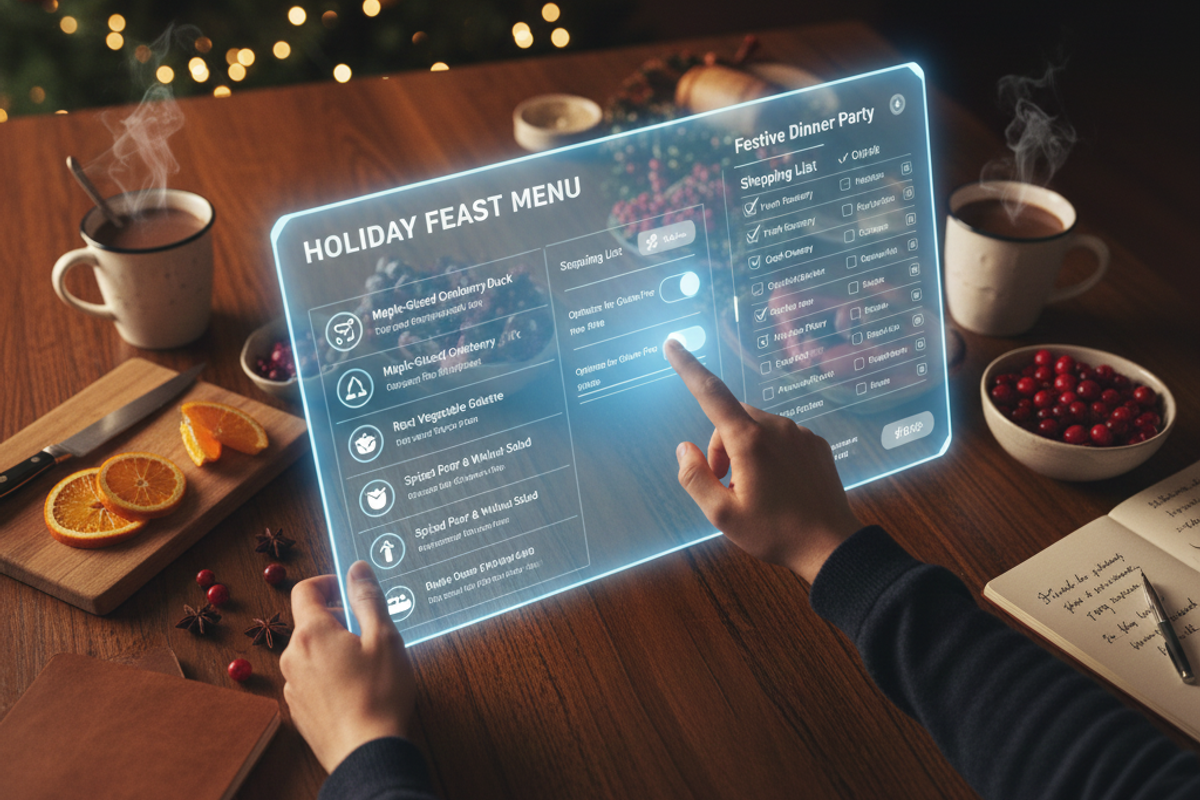
Note: some of these images were created using GenAI.
🚀Scroll No More: Commit to the AI Menu Strategy
Menu planning doesn't have to be the exhausting preamble to your holiday events. This strategic, two-step method pivots away from traditional search exhaustion and delegates the heavy lifting to an intelligent tool. The result is more time spent on the parts of the season that matter, and zero minutes wasted scrolling through pop-up ads and life stories.
Actionable Next Step: Open your preferred GenAI tool and spend two minutes generating the menu for your next event and paste your favorite result in the comments!
Comments
No comments yet. Be the first to share your thoughts!